
How to Convert Binary to Decimal Step by Step - With Examples
How to convert binary to decimal step by step with examples - a complete guide covering positional notation, the repeated division method, and binary arithmetic explained simply.
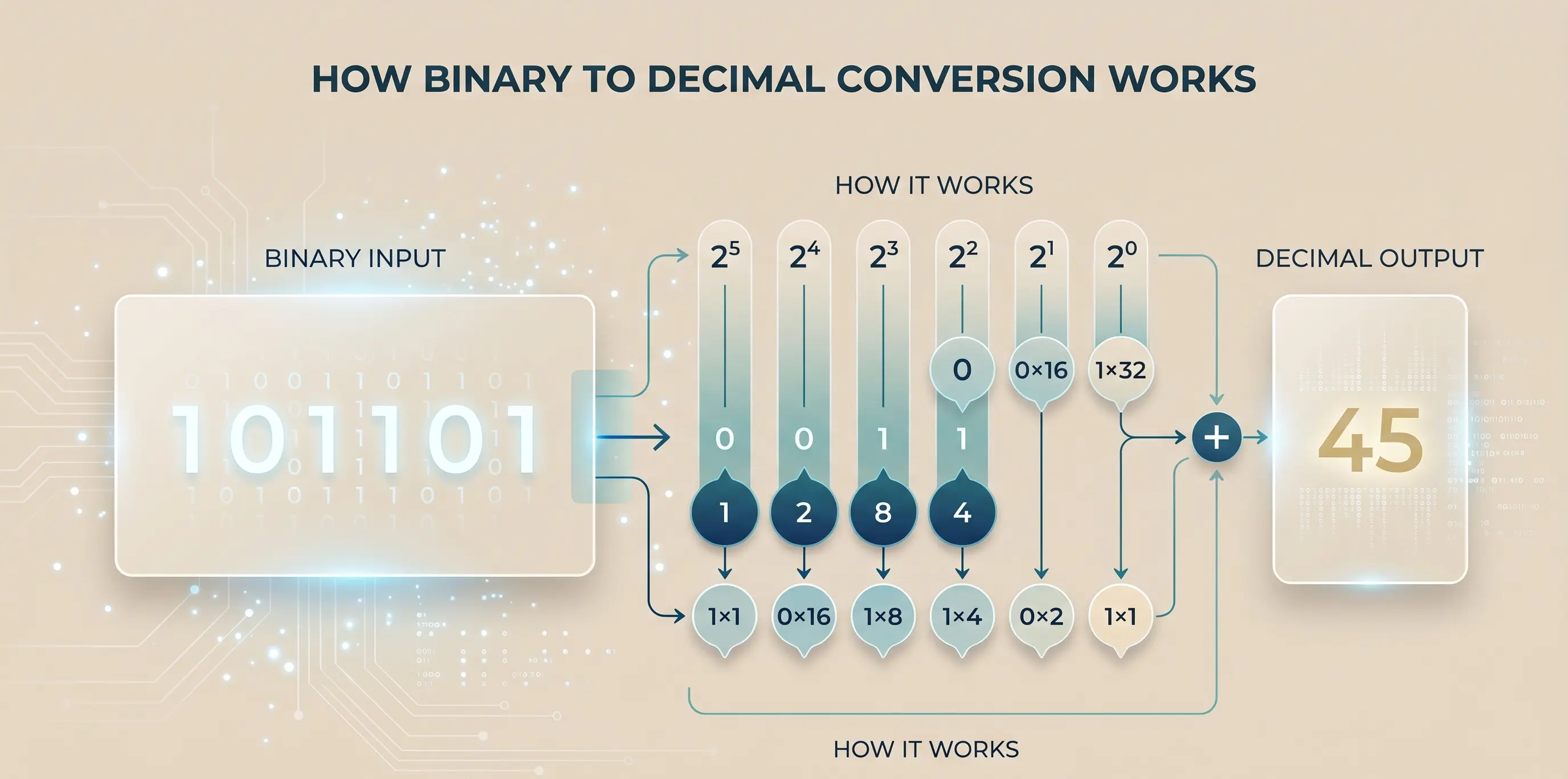
How to convert binary to decimal step by step with examples is one of the foundational skills in computer science, digital electronics, and programming. Binary (base-2) uses only two digits - 0 and 1 - but understanding how to translate those sequences into familiar decimal numbers is the gateway to understanding how computers actually store and process information. Use our free Binary Calculator to convert any binary number to decimal instantly.
What Is Binary? - A Quick Refresher
The binary number system is base-2: it uses exactly two digits (0 and 1). Every position in a binary number represents a power of 2, just as every position in a decimal number represents a power of 10.
In decimal (base-10):
- 365 = 3 × 10² + 6 × 10¹ + 5 × 10⁰ = 300 + 60 + 5
In binary (base-2):
- 1011 = 1 × 2³ + 0 × 2² + 1 × 2¹ + 1 × 2⁰ = 8 + 0 + 2 + 1 = 11
Method 1: Positional Notation (The Standard Method)
This is the most direct and educational method for converting binary to decimal.
Step 1: Write out the binary number and number each bit's position from right to left, starting at 0.
Step 2: Write the corresponding power of 2 for each position.
Step 3: Multiply each bit (0 or 1) by its corresponding power of 2.
Step 4: Sum all the products.
Powers of 2 Reference Table
| Position | 7 | 6 | 5 | 4 | 3 | 2 | 1 | 0 | |----------|---|---|---|---|---|---|---|---| | Value | 128 | 64 | 32 | 16 | 8 | 4 | 2 | 1 |
Worked Example 1: Convert 1011₂ to Decimal
| Bit | Position | Power of 2 | Value | |-----|----------|------------|-------| | 1 | 3 | 2³ = 8 | 1 × 8 = 8 | | 0 | 2 | 2² = 4 | 0 × 4 = 0 | | 1 | 1 | 2¹ = 2 | 1 × 2 = 2 | | 1 | 0 | 2⁰ = 1 | 1 × 1 = 1 |
Sum: 8 + 0 + 2 + 1 = 11₁₀
Worked Example 2: Convert 11010110₂ to Decimal
| Bit | 1 | 1 | 0 | 1 | 0 | 1 | 1 | 0 | |-----|---|---|---|---|---|---|---|---| | Position | 7 | 6 | 5 | 4 | 3 | 2 | 1 | 0 | | Power | 128 | 64 | 32 | 16 | 8 | 4 | 2 | 1 | | Value | 128 | 64 | 0 | 16 | 0 | 4 | 2 | 0 |
Sum: 128 + 64 + 0 + 16 + 0 + 4 + 2 + 0 = 214₁₀
Worked Example 3: Convert 100000₂ to Decimal
This is a power of 2 - there's one 1-bit and the rest are 0s.
| Bit | 1 | 0 | 0 | 0 | 0 | 0 | |-----|---|---|---|---|---|---| | Position | 5 | 4 | 3 | 2 | 1 | 0 | | Value | 32 | 0 | 0 | 0 | 0 | 0 |
Sum: 32₁₀
100000₂ = 2⁵ = 32. Any binary number with a single 1-bit and the rest 0s represents a pure power of 2.
Method 2: Doubling Method (Horner's Algorithm)
This method works from left to right and is often easier for mental calculation:
Algorithm: Start with 0. For each bit from left to right: multiply the running total by 2, then add the current bit.
Example: Convert 1011₂
| Step | Bit | Calculation | Running total | |------|-----|-------------|---------------| | 1 | 1 | 0 × 2 + 1 | 1 | | 2 | 0 | 1 × 2 + 0 | 2 | | 3 | 1 | 2 × 2 + 1 | 5 | | 4 | 1 | 5 × 2 + 1 | 11 |
This method requires less reference to a powers-of-2 table.
How to Convert Decimal to Binary
The reverse conversion uses repeated division by 2:
- Divide the decimal number by 2
- Record the remainder (0 or 1)
- Divide the quotient by 2
- Repeat until the quotient is 0
- Read the remainders from bottom to top
Example: Convert 45₁₀ to binary
| Division | Quotient | Remainder | |----------|----------|-----------| | 45 ÷ 2 | 22 | 1 | | 22 ÷ 2 | 11 | 0 | | 11 ÷ 2 | 5 | 1 | | 5 ÷ 2 | 2 | 1 | | 2 ÷ 2 | 1 | 0 | | 1 ÷ 2 | 0 | 1 |
Read remainders bottom to top: 101101₂
Verification: 32 + 0 + 8 + 4 + 0 + 1 = 45 ✓
Common Binary to Decimal Conversions
| Binary | Decimal | |--------|---------| | 0001 | 1 | | 0010 | 2 | | 0100 | 4 | | 1000 | 8 | | 1111 | 15 | | 10000 | 16 | | 11111111 | 255 | | 100000000 | 256 |
The pattern: 1111...1 (n ones) = 2ⁿ − 1. So 8 ones = 255, 16 ones = 65,535, 32 ones = 4,294,967,295.
Why Binary Matters in Computing
Storage: Every digital file - text, image, audio, video - is ultimately stored as binary. A 1 MB file contains 8 million individual bits.
ASCII: Text characters are encoded as 7 or 8-bit binary numbers. 'A' = 01000001₂ = 65₁₀. 'a' = 01100001₂ = 97₁₀.
Colours: Each colour channel in a digital image uses 8 bits (0-255). A 24-bit colour image stores 3 bytes per pixel - red, green, and blue, each 0-255.
IP addresses: An IPv4 address is 32 bits (4 groups of 8). 192.168.1.1 in binary: 11000000.10101000.00000001.00000001
Hexadecimal: Each hex digit represents exactly 4 binary digits. So programmers use hex (base-16) as a more compact representation of binary data. Our free Hex Calculator converts between hex, binary, and decimal.
Frequently Asked Questions
What is the positional value method for binary to decimal conversion? Each bit's value equals the bit (0 or 1) multiplied by 2 raised to the position power (position counted from 0 on the right). Sum all non-zero values.
How do you convert a binary fraction to decimal? Binary fractions use negative powers of 2. For example, 0.101₂ = 1 × 2⁻¹ + 0 × 2⁻² + 1 × 2⁻³ = 0.5 + 0 + 0.125 = 0.625₁₀.
What is the largest number 8 bits can represent? 11111111₂ = 255₁₀. 8 bits can represent 2⁸ = 256 different values (0 through 255).
Why do IP addresses use binary? Network hardware processes addresses in binary. Subnet masks, routing tables, and network calculations all operate on binary representations. The dotted decimal notation (192.168.1.1) is simply a human-readable shorthand.
Is there a shortcut for converting powers of 2? Yes - any binary number 1000...0₂ (1 followed by n zeros) = 2ⁿ. So 10000000₂ = 2⁷ = 128, and 1000000000₂ = 2⁹ = 512.
Sources & Further Reading
RECOMMENDED TOOL
Ready to calculate?
Related Articles
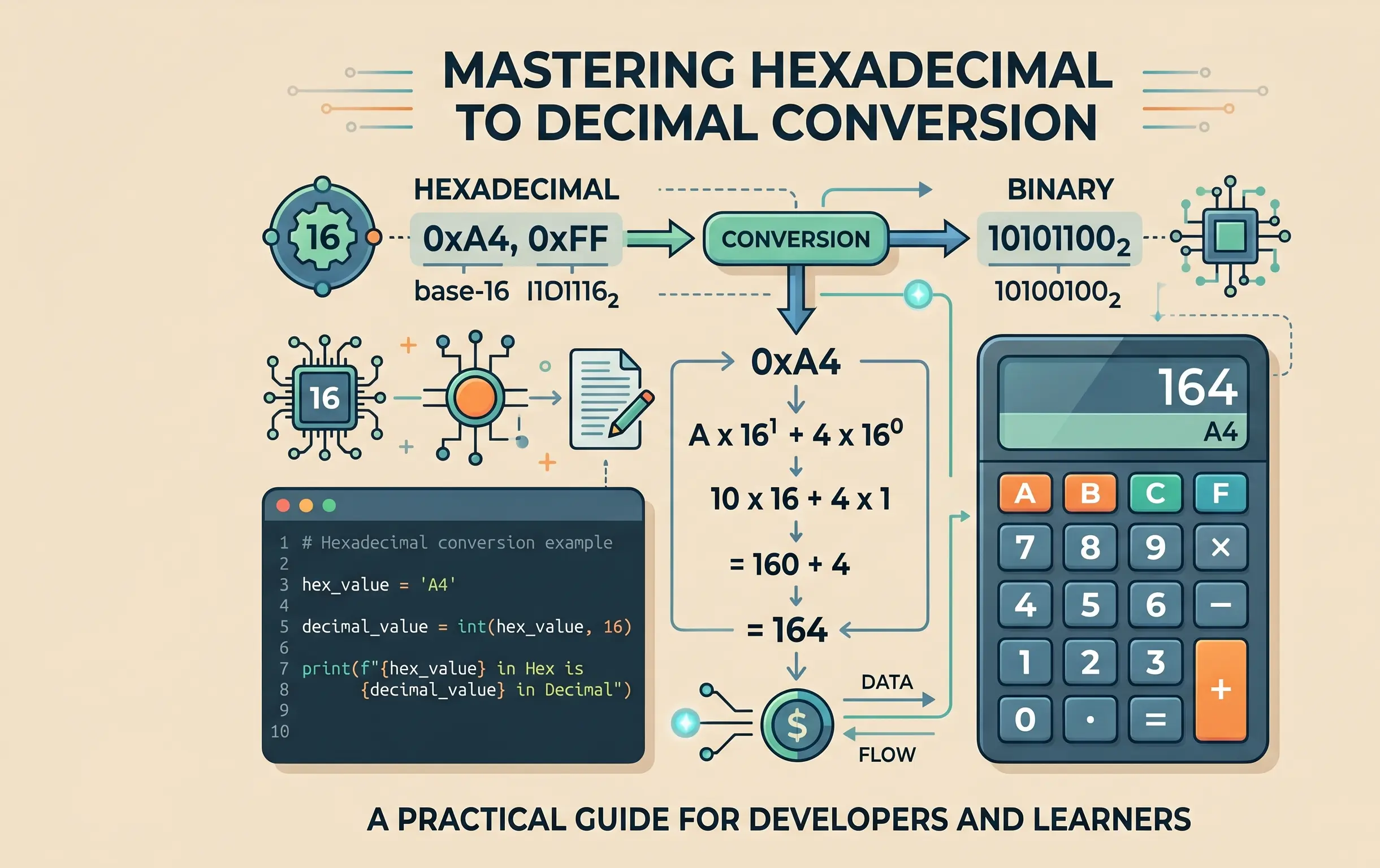
How to Convert Hexadecimal to Decimal Manually - Full Guide
How to convert hexadecimal to decimal manually step by step - a complete guide covering the positional notation method, worked examples, and hex to binary conversion.
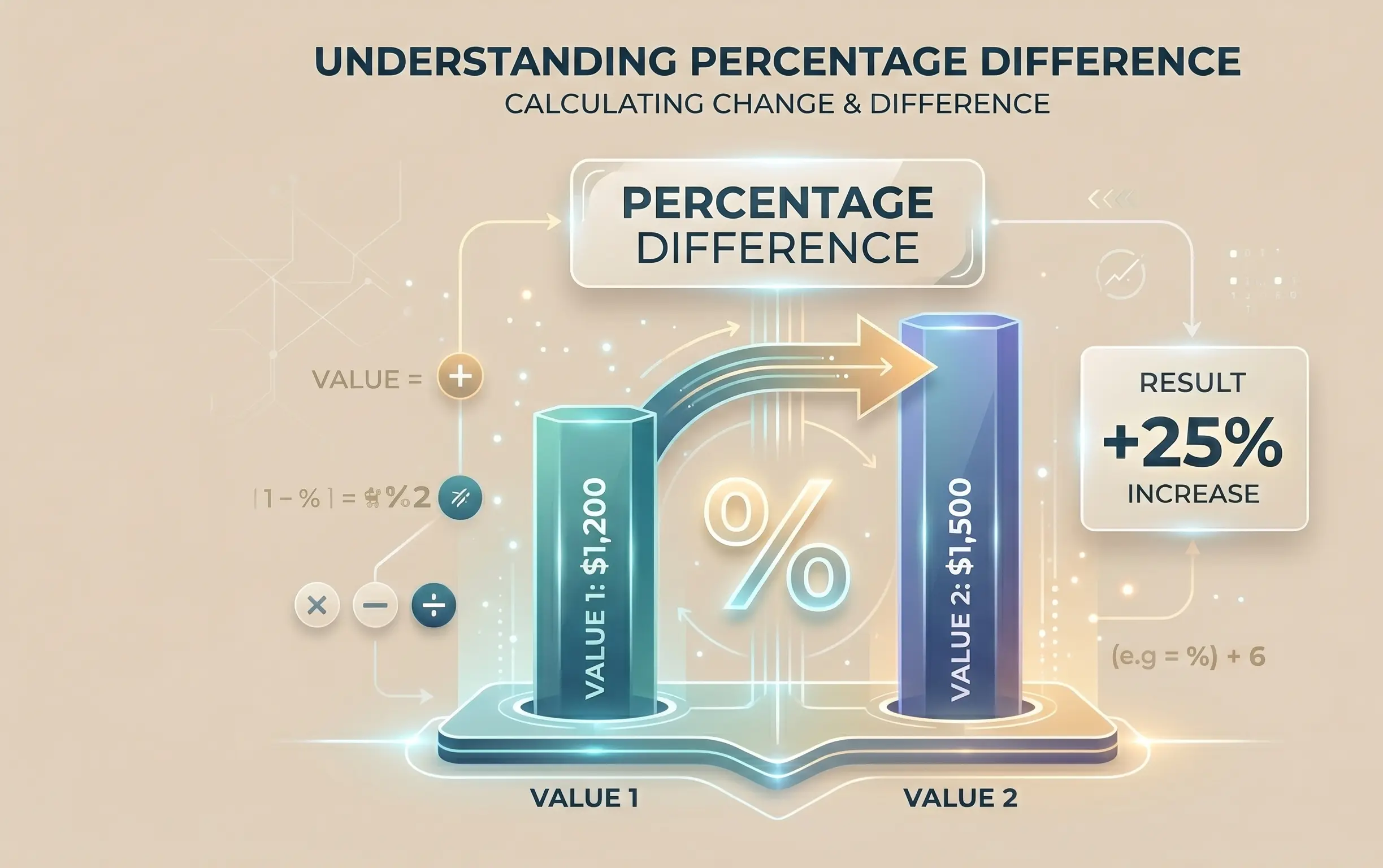
How to Calculate Percentage Difference Between Two Numbers
How to calculate percentage difference between two numbers formula - the complete guide covering percentage difference vs. percentage change, worked examples, and when to use each.
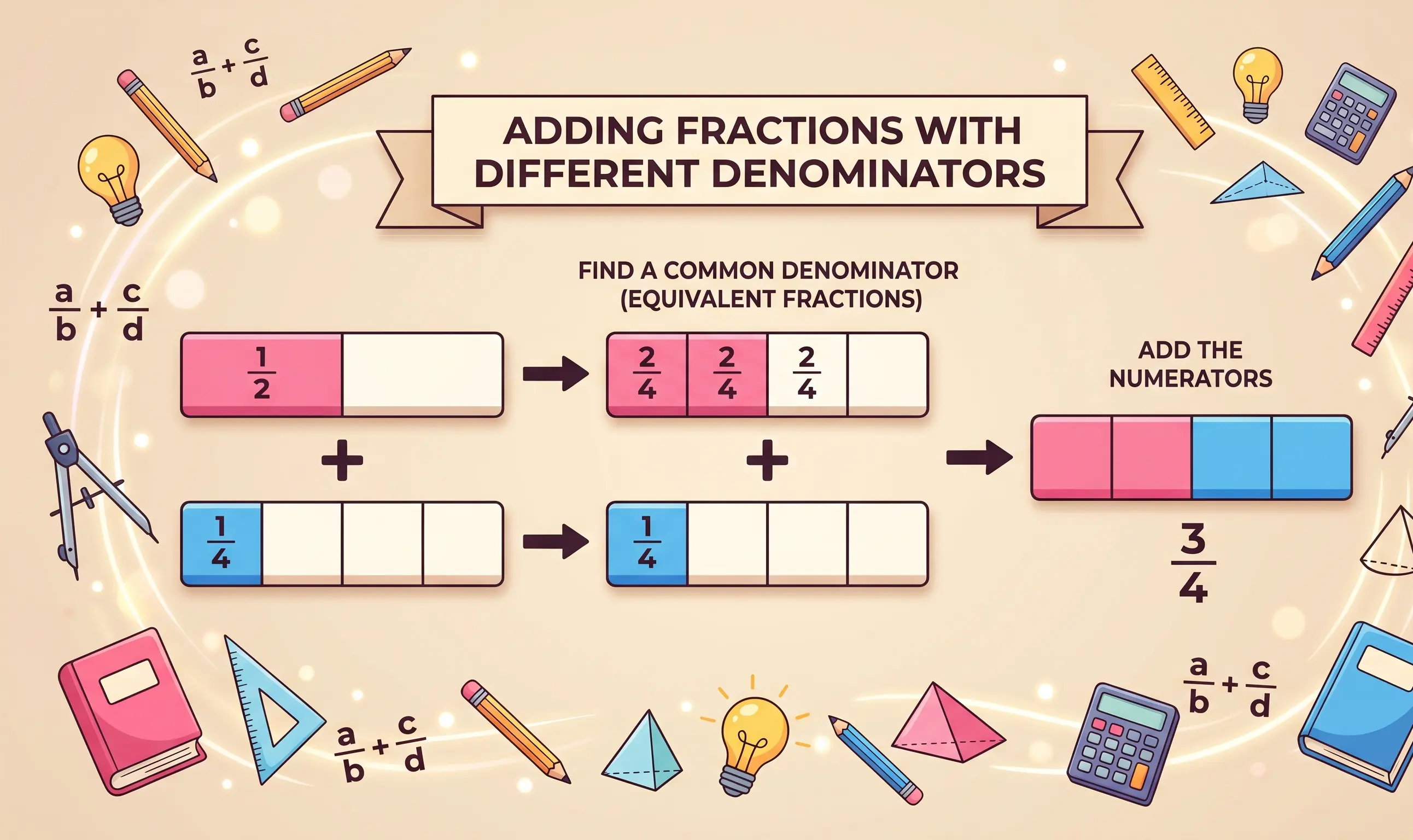
How to Add Fractions With Different Denominators - Step by Step
How to add fractions with different denominators step by step - a complete guide covering LCD, simplification, and worked examples for every type of fraction.