
How to Calculate Time Duration Between Two Dates & Times
A comprehensive guide on calculating the exact elapsed time between two distinct points in time, converting units, and managing calendar boundaries.
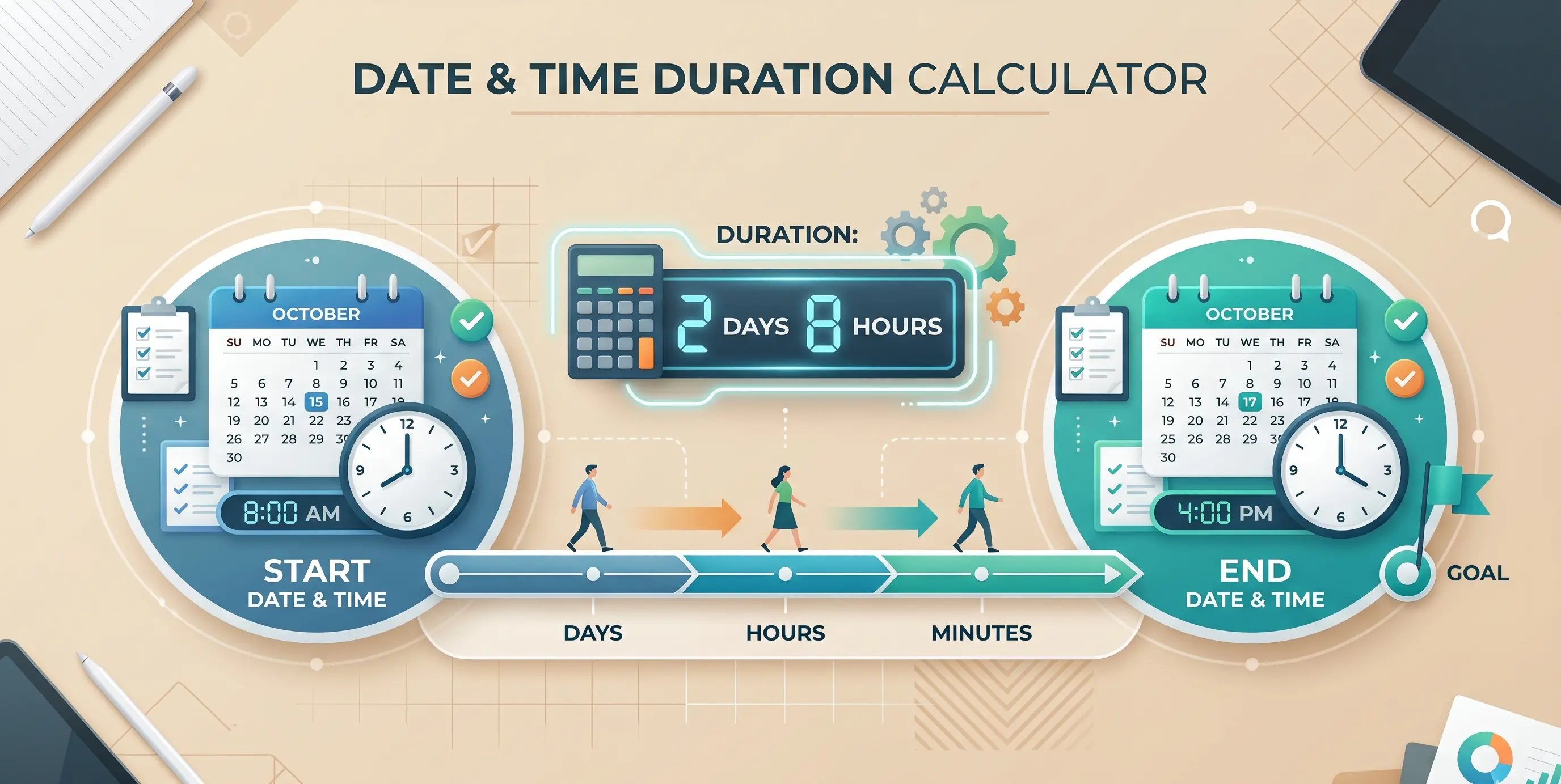
Calculating the exact time duration between two points is a standard task in project management, science, event planning, and travel. Whether you need to know how many hours a flight will take, how long a backup script runs, or the countdown to an event, accurate duration calculations are essential. Because time uses a base-60 system and calendars contain irregular months and leap years, manual calculations can be difficult. Use our free Time Duration Calculator to find the exact elapsed time, and read on to learn the calculations.
How to Calculate Time Duration Manually
To calculate the exact elapsed time between two dates and times, follow this systematic approach:
Step 1: Calculate Calendar Days
Determine the number of full 24-hour days between the start date and the end date.
- Example: From June 1st to June 3rd is 2 days.
Step 2: Calculate Hours, Minutes, and Seconds
Compare the start time and the end time:
- Example: Start at 9:15:30 AM, End at 4:30:15 PM.
- Convert both times to 24-hour formats:
09:15:30and16:30:15. - Subtract the values, borrowing from larger units if necessary:
- Seconds: We cannot subtract 30 seconds from 15 seconds. Borrow 1 minute (60 seconds) from the 30 minutes column (leaving 29 minutes): $15 + 60 = 75$ seconds. $75 - 30 = 45$ seconds.
- Minutes: We subtract 15 minutes from 29 minutes: $29 - 15 = 14$ minutes.
- Hours: Subtract 9 hours from 16 hours: $16 - 9 = 7$ hours.
- Result: 7 hours, 14 minutes, and 45 seconds.
Step 3: Combine the Results
Combine the days and the time difference:
- Total Duration: 2 days, 7 hours, 14 minutes, and 45 seconds.
If the end time is earlier in the day than the start time, subtract 1 day from the day count and add 24 hours to the hour difference calculation.
Converting Time Durations to Single Units
Once you have your total duration, you may want to convert it to a single unit (such as total hours or total minutes) for billing or analysis.
Total Hours
Total Hours = (Days * 24) + Hours + (Minutes / 60) + (Seconds / 3600)
Total Minutes
Total Minutes = (Days * 1440) + (Hours * 60) + Minutes + (Seconds / 60)
Our Time Duration Calculator handles these conversions automatically, displaying the total duration in days, hours, minutes, and seconds, alongside overall decimal totals.
Related Calculators
If you are working with dates, times, and durations, these tools can help:
- Day Counter: Count calendar days or business days between two dates.
- Date Calculator: Add or subtract days, weeks, months, or years to/from a starting date.
- Time Calculator: Add or subtract time durations.
Calculate your durations accurately and quickly using the online Time Duration Calculator.
RECOMMENDED TOOL
Ready to calculate?
Related Articles
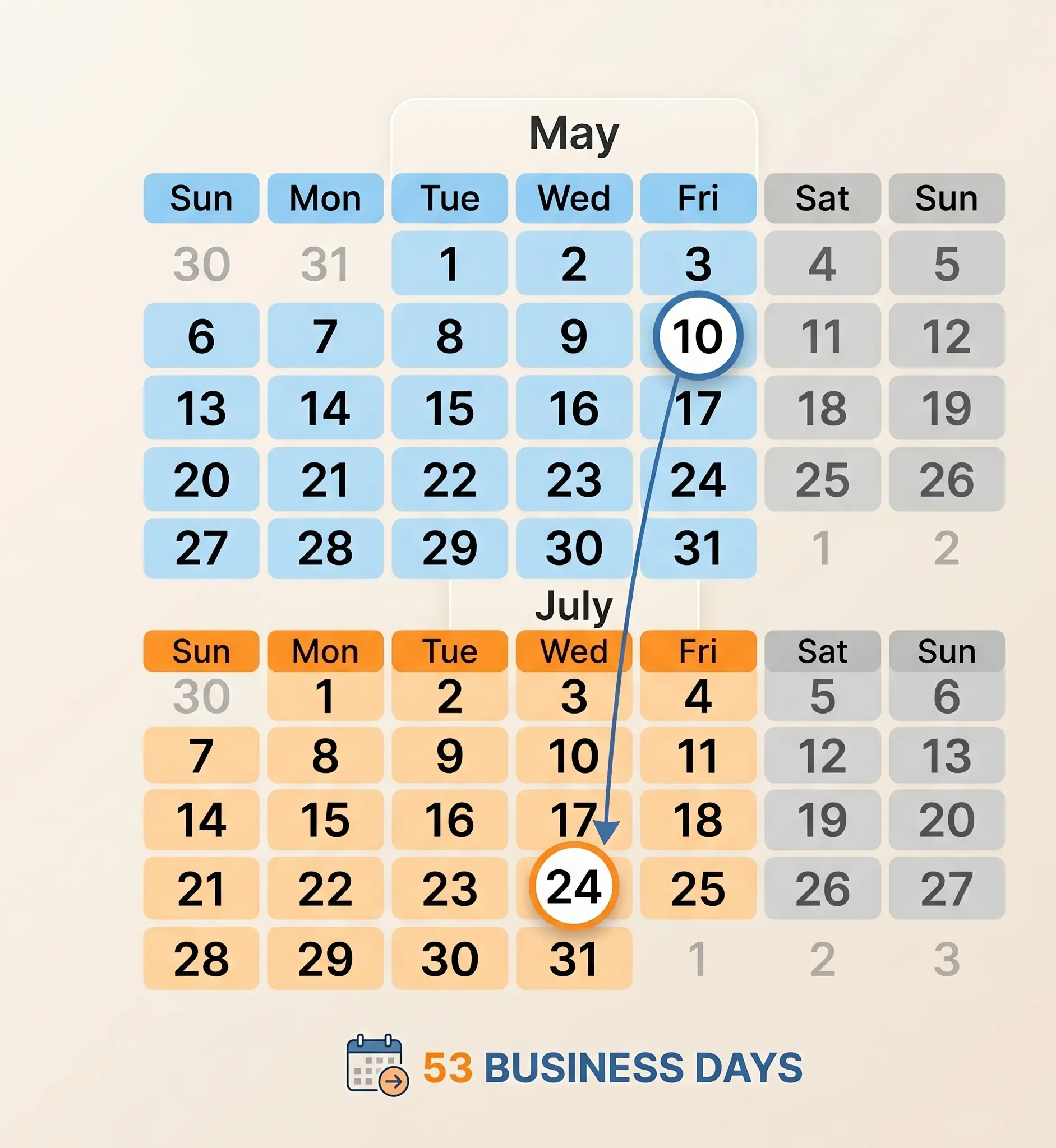
How Many Business Days Between Dates? Working Days Guide
A complete guide on calculating business days between dates, excluding weekends, and managing deadlines and project timelines.
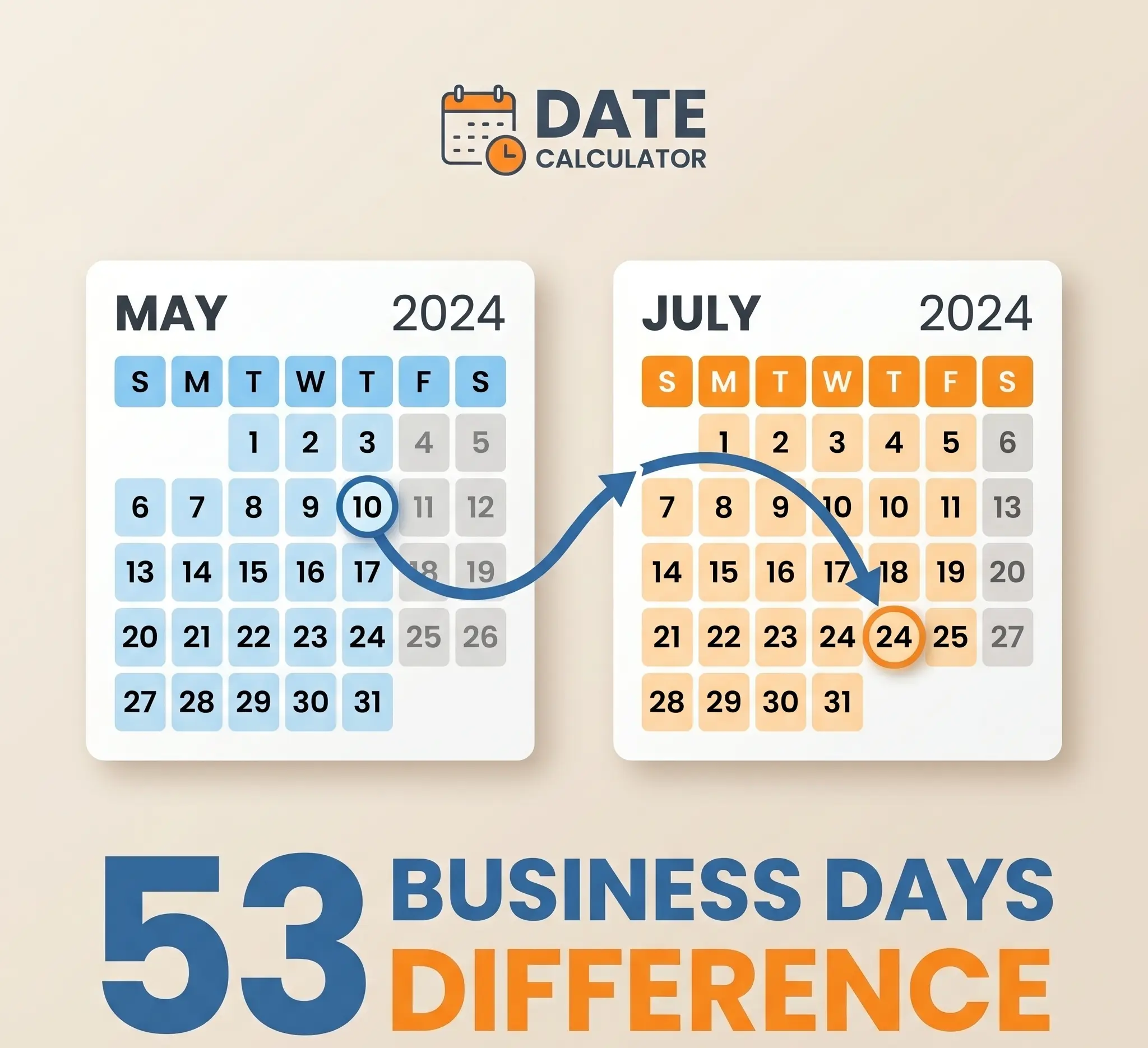
How Many Days Between Two Dates? A Guide to Calendar Calculations
Learn how to calculate the exact number of days between two calendar dates, understand inclusive vs. exclusive counting, and how leap years affect duration.
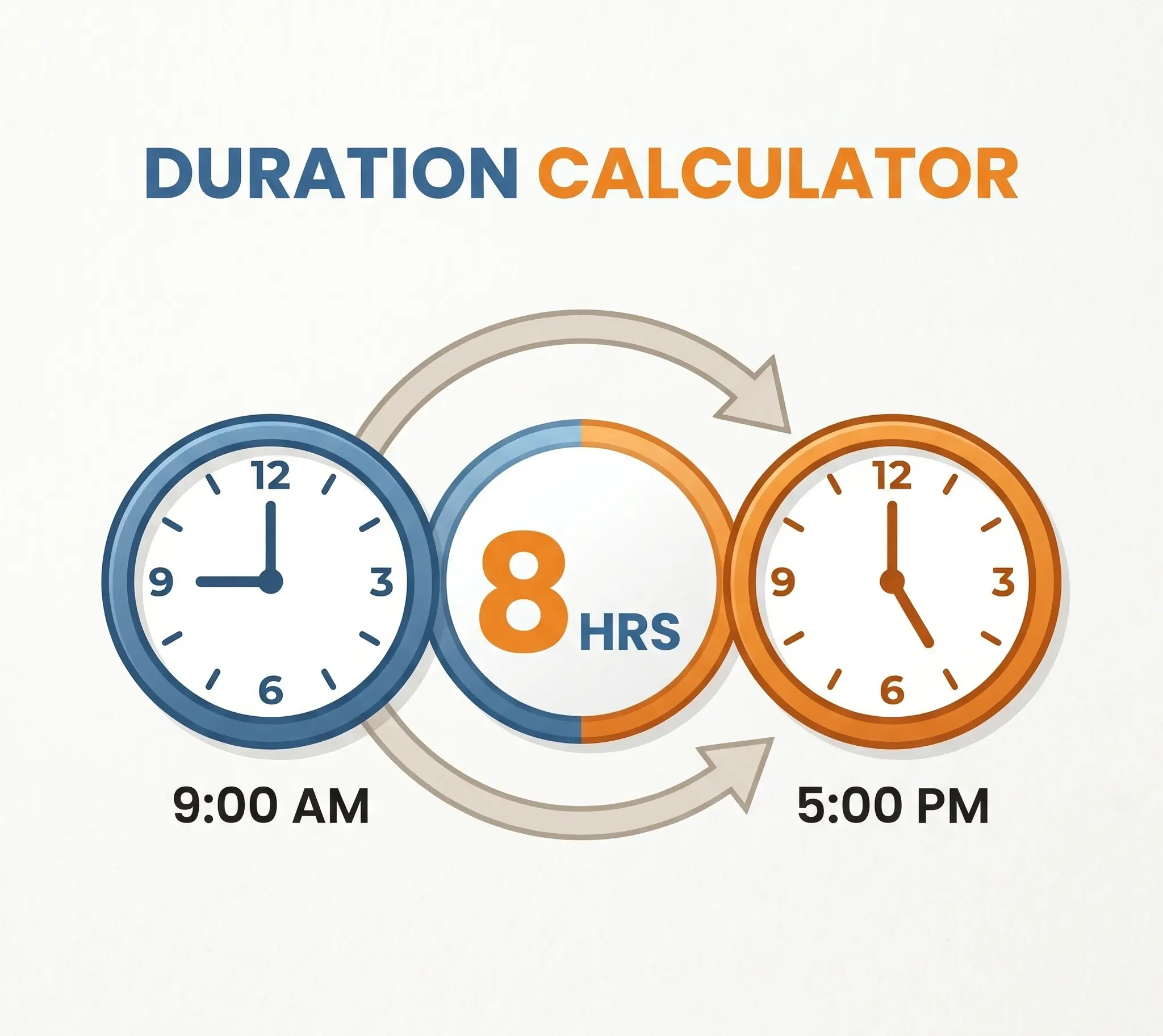
How Many Hours Between Two Times? Shift & Work Hours Guide
Learn how to calculate the exact hours worked between two times, deduct break times, handle shifts that cross midnight, and convert to decimal hours.