
How Many Days Between Two Dates? A Guide to Calendar Calculations
Learn how to calculate the exact number of days between two calendar dates, understand inclusive vs. exclusive counting, and how leap years affect duration.
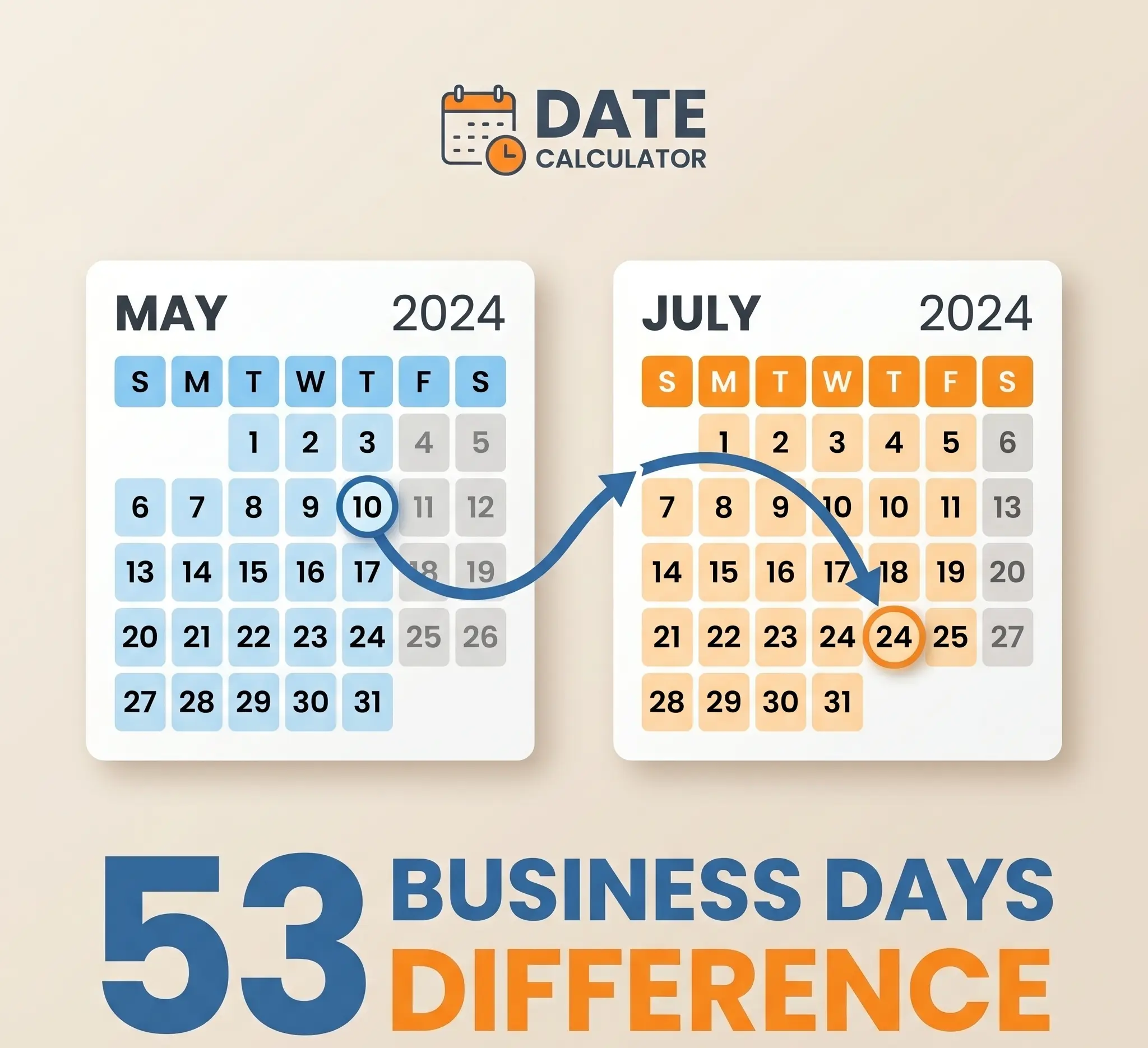
Whether you are calculating the time remaining before a deadline, checking notice periods for a contract, or tracking days since an event, knowing the exact number of days between two dates is highly useful. While this seems like simple subtraction, the irregularities of the calendar system make manual calculations difficult. Use our free Day Counter to find the exact days between any two dates, and read on to understand the underlying mathematics and conventions.
Exclusive vs. Inclusive Counting
One of the first concepts to understand in date calculations is the difference between inclusive and exclusive counting.
Exclusive Counting (Default Difference)
This method calculates the mathematical difference between two dates. It answers the question, "What is the duration between these dates?"
- Example: Days between June 1st and June 5th.
- Calculation: $5 - 1 = 4$ days.
- In this method, the start date is excluded, and the end date is included.
Inclusive Counting
This method counts both the start date and the end date as full days. It answers the question, "How many calendar days are touched by this period?"
- Example: A vacation starting June 1st and ending June 5th.
- Calculation: $5 - 1 + 1 = 5$ days (June 1, 2, 3, 4, and 5).
- This method is common in travel booking, equipment leasing, and project management where work is performed on both start and end days.
Our online Day Counter allows you to toggle "Include End Date" to easily switch between these two modes.
How to Calculate Days Between Dates Manually
To calculate the days between two dates without a computer, you can follow this step-by-step method:
- Calculate the days remaining in the start month: Subtract the start date from the total days in that month.
- Add the full months in between: Sum the total days of all months between the start month and end month.
- Add the days of the end month: Add the day number of the end date.
- Account for leap years: If the range spans across February of a leap year, add 1 day to your calculation.
Example: Days between March 15 and June 10
- March: 31 days in March. $31 - 15 = 16$ days remaining.
- April: 30 days (full month).
- May: 31 days (full month).
- June: 10 days in June.
- Total: $16 + 30 + 31 + 10 = 87$ days.
How Leap Years Affect Date Calculations
Leap years add a layer of complexity. Every year that is evenly divisible by 4 (with century exceptions) has 366 days instead of 365, with the extra day added to February. If your date range spans February 29th, failing to account for it will result in a calculation error. Our calculator uses the standard Gregorian calendar rules to handle this automatically.
Related Calculators
If you are scheduling or counting days, these tools can help:
- Date Calculator: Add or subtract days, weeks, months, or years to/from any date.
- Day of Week Calculator: Find what day of the week a date falls on.
- Time Duration Calculator: Calculate the exact hours, minutes, and seconds between two times.
Find the exact duration for your project or deadline today using the Day Counter.
RECOMMENDED TOOL
Ready to calculate?
Related Articles
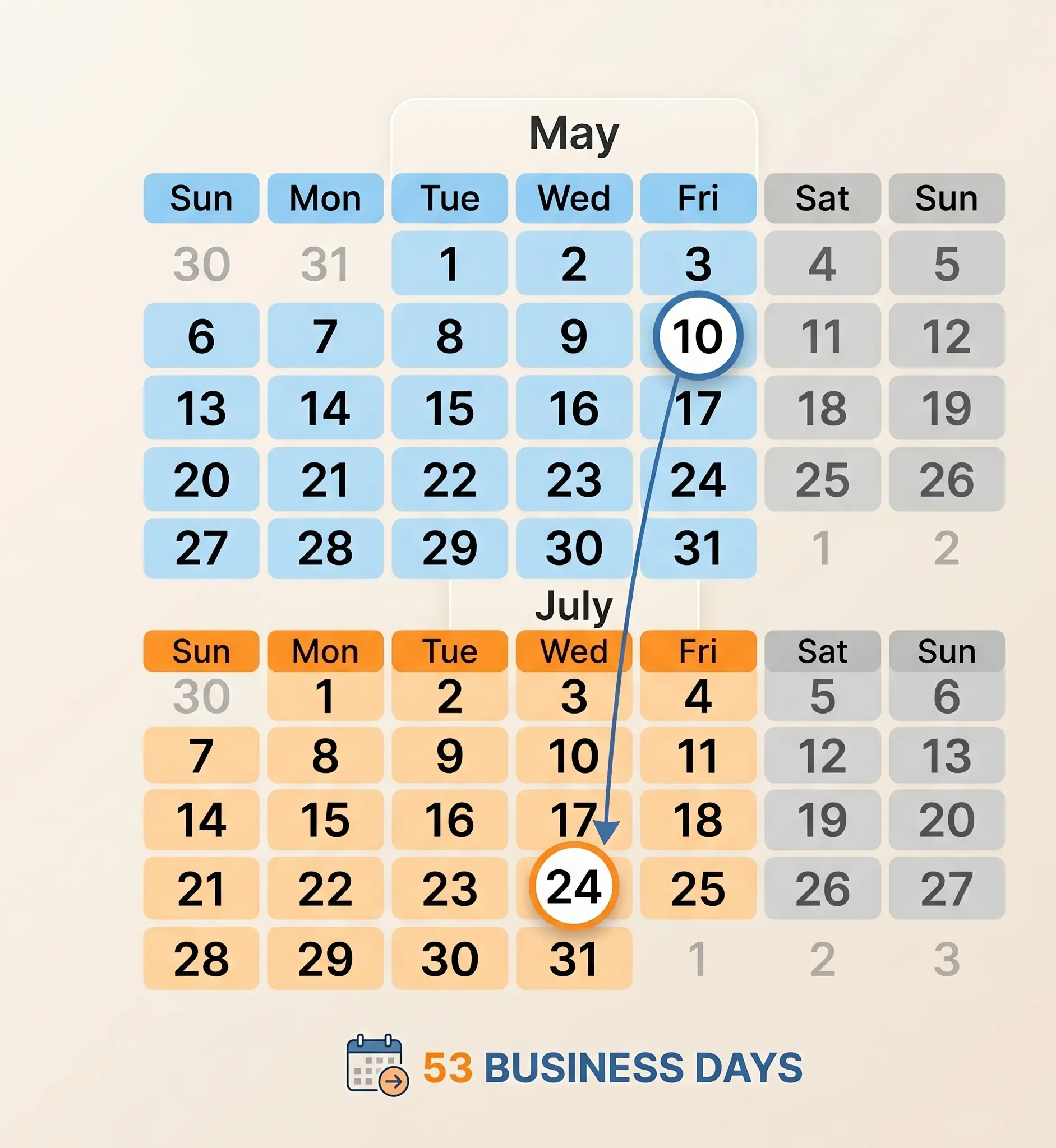
How Many Business Days Between Dates? Working Days Guide
A complete guide on calculating business days between dates, excluding weekends, and managing deadlines and project timelines.
How Many Hours Between Two Times? Shift & Work Hours Guide
Learn how to calculate the exact hours worked between two times, deduct break times, handle shifts that cross midnight, and convert to decimal hours.
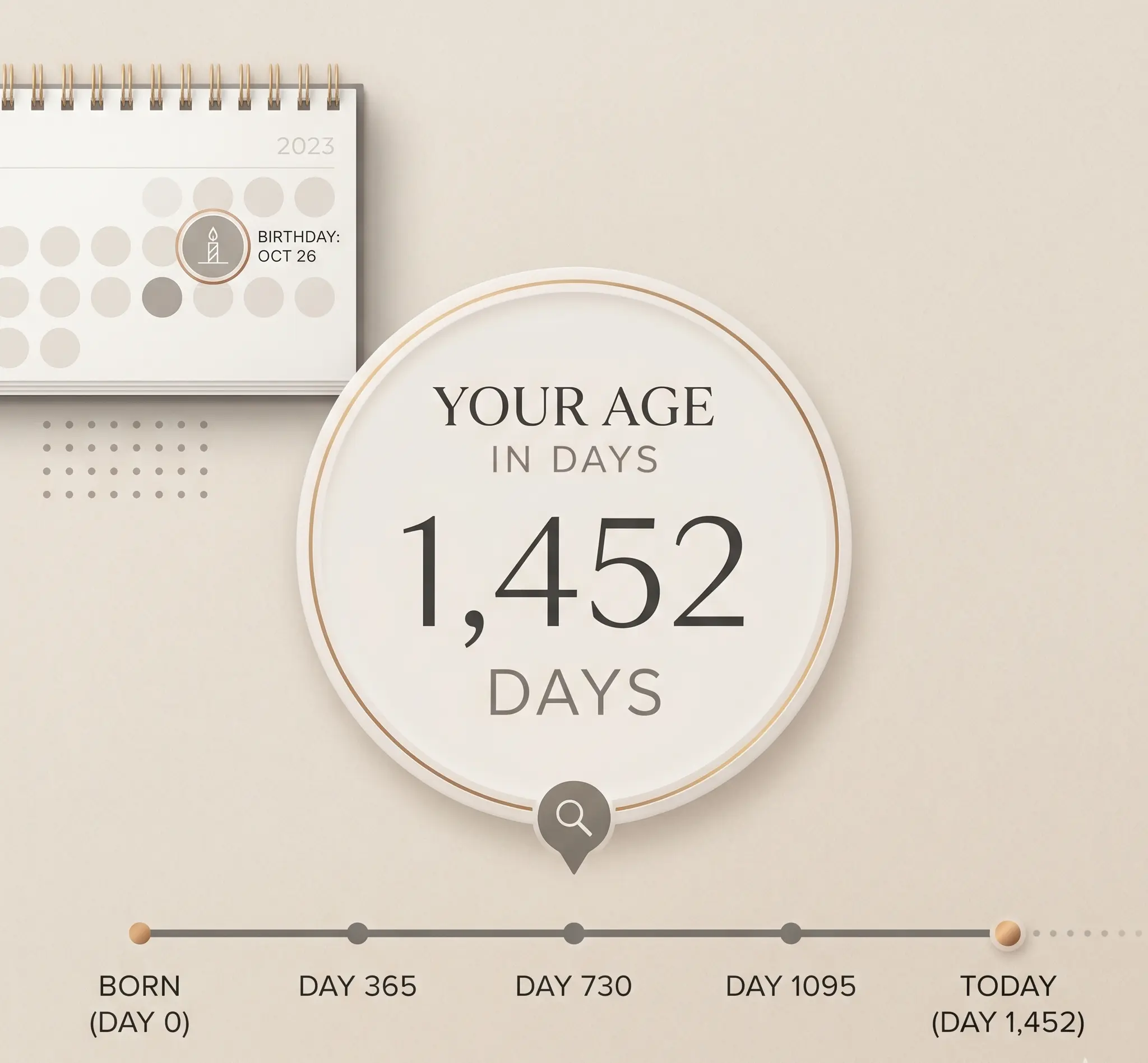
How Old Am I in Days? The Math Behind Your Life in Days, Hours, & Weeks
Calculate your exact age in days, weeks, and hours. Learn the exact calendar arithmetic of leap years and find your next birthday countdown.